Best VS Code Extensions for Frontend Developers (2026)
VS Code is only as good as the extensions you add to it. These are the ones worth installing if you work on frontend projects every day.

The Complete Web Developer in 2026
40 hours of video
401+ lessons
10 projects
🎉 Code FRIENDS10 for 10% off

React and Next.js Snippets
Adds ready-to-use snippets for React components, hooks, Next.js pages, and common frontend patterns.
Free
Visit Website

Preview.js
Preview React, Vue, and Solid components inside VS Code without wiring up a full demo app first.
Freemium
Visit Website
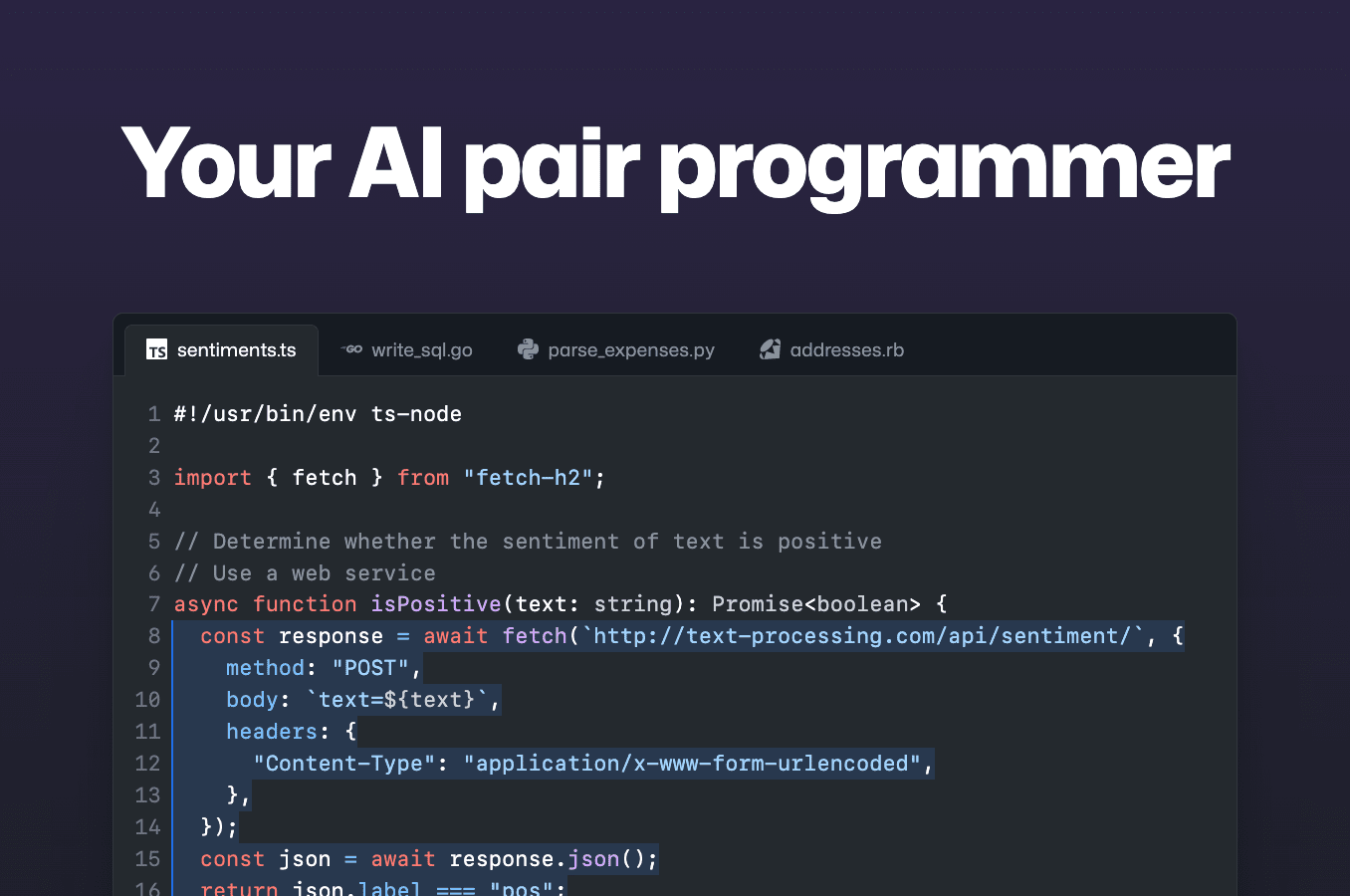
GitHub Copilot
AI code completion directly in the editor. The most widely used AI coding assistant in 2026.
Free Trial
Visit Website

Excalidraw
Open and edit Excalidraw diagrams inside VS Code. Useful for flows, docs, and quick interface sketches.
Free
Visit Website

Project Manager
Save project groups and jump between repos quickly when you work across several frontend apps.
Free
Visit Website

Auto Rename Tag
Renames matching HTML and JSX tags at the same time, which saves a lot of small edits.
Free
Visit Website

Mintlify Doc Writer
Generates documentation from code and comments. Best used as a draft you can clean up before shipping.
Free
Visit Website

Tailwind CSS IntelliSense
Adds class autocomplete, hover previews, linting, and config awareness for Tailwind projects.
Free
Visit Website
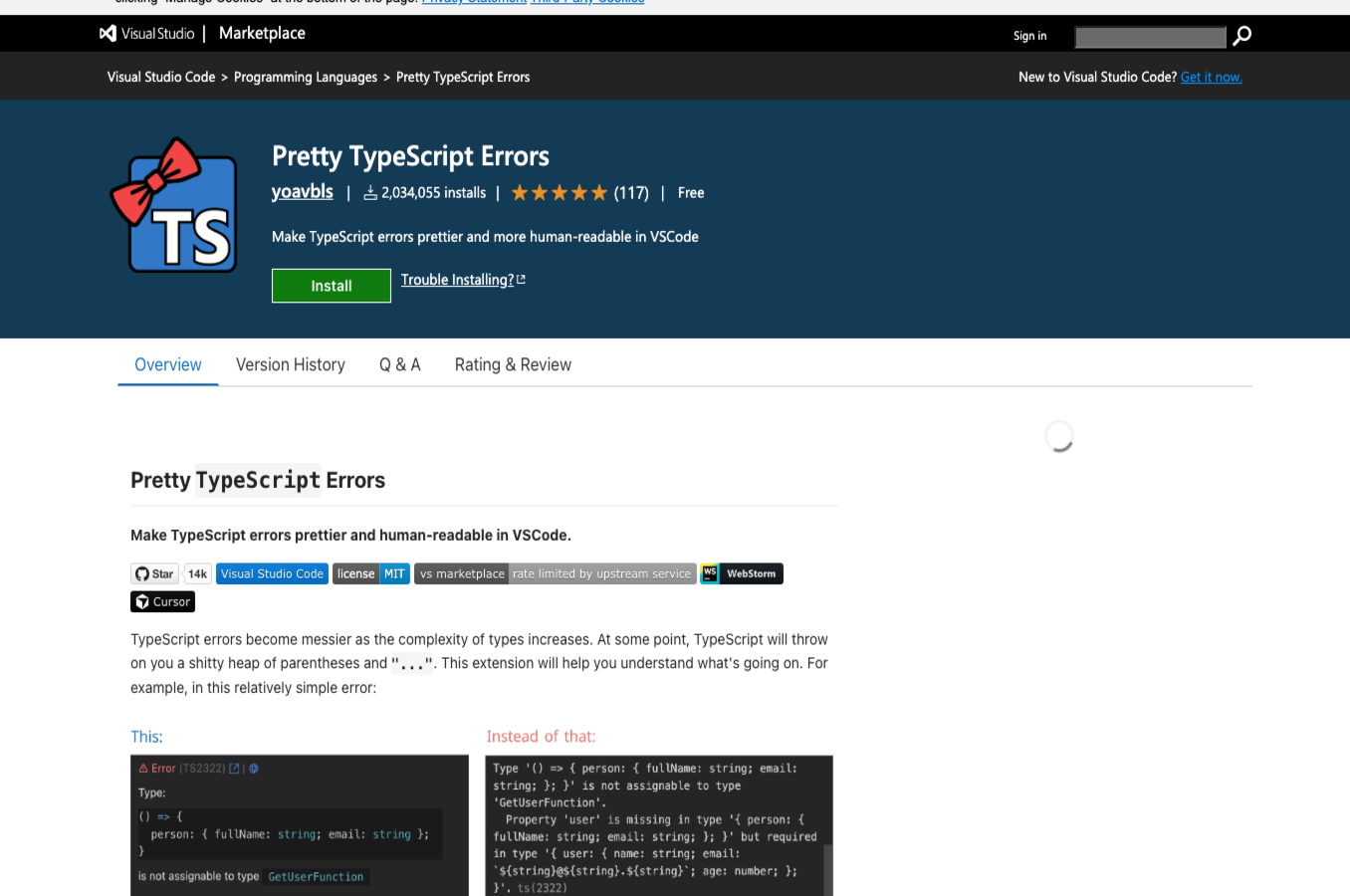
Pretty TypeScript Errors
Makes TypeScript error messages readable instead of cryptic. Essential once you work with TS.
Free
Visit Website
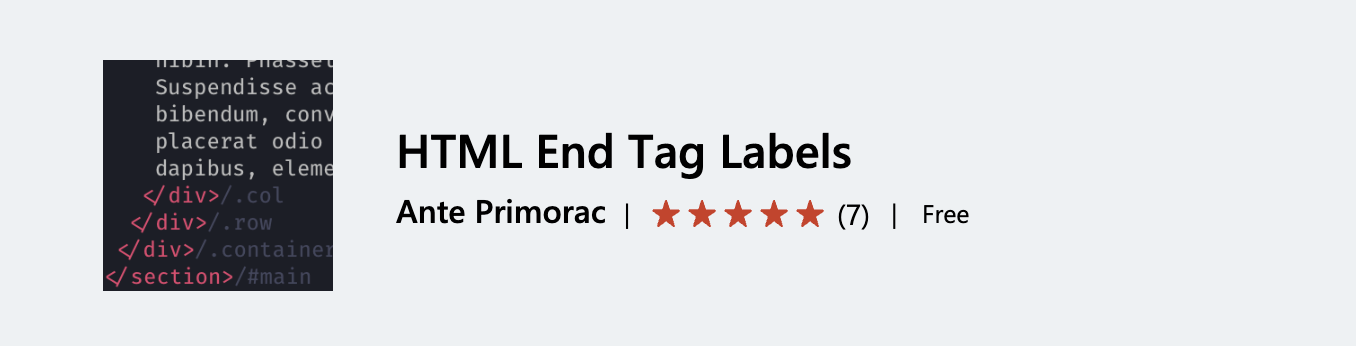
HTML End Tag Labels
Shows the matching tag name at closing tags so nested HTML and JSX are easier to scan.
Free
Visit Website

Axe Accessibility Linter
Runs accessibility checks in the editor and flags common issues in HTML, React, Vue, Angular, and Markdown.
Free
Visit Website

Error Lens
Moves errors and warnings inline so you do not need to keep jumping to the Problems panel.
Free
Visit Website

SVG Preview
Preview SVG files inside the editor while you work on paths, fills, and tiny visual tweaks.
Free
Visit Website

Image Preview
Shows image previews on hover for local asset paths, which is handy when you work with UI assets.
Free
Visit Website

Git Graph
Visual Git history inside VS Code, useful when a branch tree gets messy and you need context fast.
Free
Visit Website

Quokka.js
Scratchpad for JavaScript and TypeScript with live inline results. Great for quick experiments.
Freemium
Visit Website

JavaScript (ES6) Code Snippets
Large set of shortcuts for common JavaScript syntax and patterns when you want speed over memorization.
Free
Visit Website

Better Comments
Adds color and labels to TODO, note, warning, and question comments so they stand out in large files.
Free
Visit Website

ESLint
Runs ESLint in the editor and surfaces problems while you work instead of after the fact.
Free
Visit Website

Path Intellisense
Autocompletes file and folder paths in imports and strings, which cuts down on small path mistakes.
Free
Visit Website

GitLens
Adds blame, history, commit links, and repository context throughout the editor.
Free
Visit Website

Live Server
Starts a local static server with live reload. Still useful for simple HTML, CSS, and JavaScript projects.
Free
Visit Website

Auto Close Tag
Closes HTML and JSX tags as you type so you can stay in flow while editing markup.
Free
Visit Website
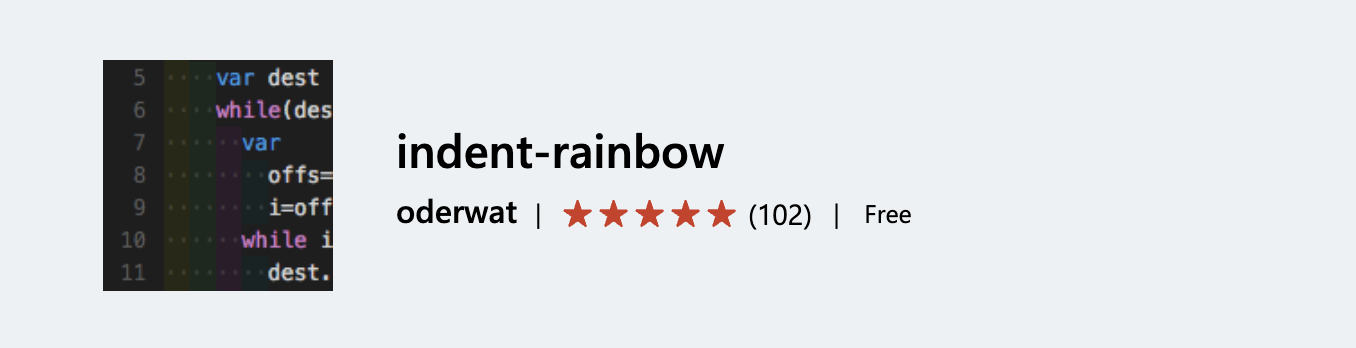
Indent Rainbow
Colors indentation levels so nested code is easier to follow at a glance.
Free
Visit Website

VSCode Icons
Adds file and folder icons to make large projects easier to scan in the explorer.
Free
Visit Website
Code Spell Checker
Catches spelling mistakes in comments, strings, and docs before they leak into commits.
Free
Visit Website

Import Cost
Shows the size of imported packages inline, which helps spot heavy dependencies early.
Free
Visit Website

Ritmica
Changes music playback speed based on your typing rhythm. More fun than essential, but memorable.
Free
Visit Website

Peacock
Changes the color of each VS Code workspace so you can tell projects apart at a glance.
Free
Visit Website

File Utils
Adds faster file move, duplicate, rename, and path helpers than the default explorer.
Free
Visit Website
Blockman
Highlights code blocks with soft backgrounds so nested structures are easier to read.
Free
Visit Website

ScribeAI
Adds AI chat and code help inside VS Code. Less established than Copilot, but still a useful option.
Free
Visit Website
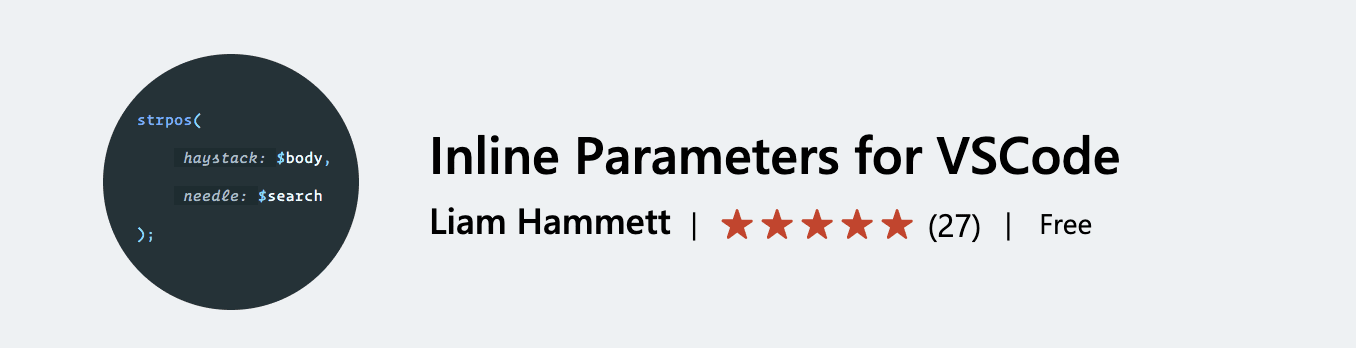
Inline Parameters
Shows small inline parameter hints in function calls, which helps when APIs take similar arguments.
Free
Visit Website

Rubberduck
Another AI assistant for writing, editing, explaining, and testing code inside VS Code.
Free
Visit Website

Sort Lines
Sorts selected lines alphabetically or naturally. Small tool, but handy in config files and lists.
Free
Visit Website

Gremlins Tracker
Highlights invisible and suspicious characters that can break formatting, selectors, or copy pasted code.
Free
Visit Website
If you want to further customize your programming environment, we've also compiled a list of the best free themes for Visual Studio Code. With the perfect theme and the right extensions, you'll be well on your way to creating a highly productive and visually appealing programming environment.